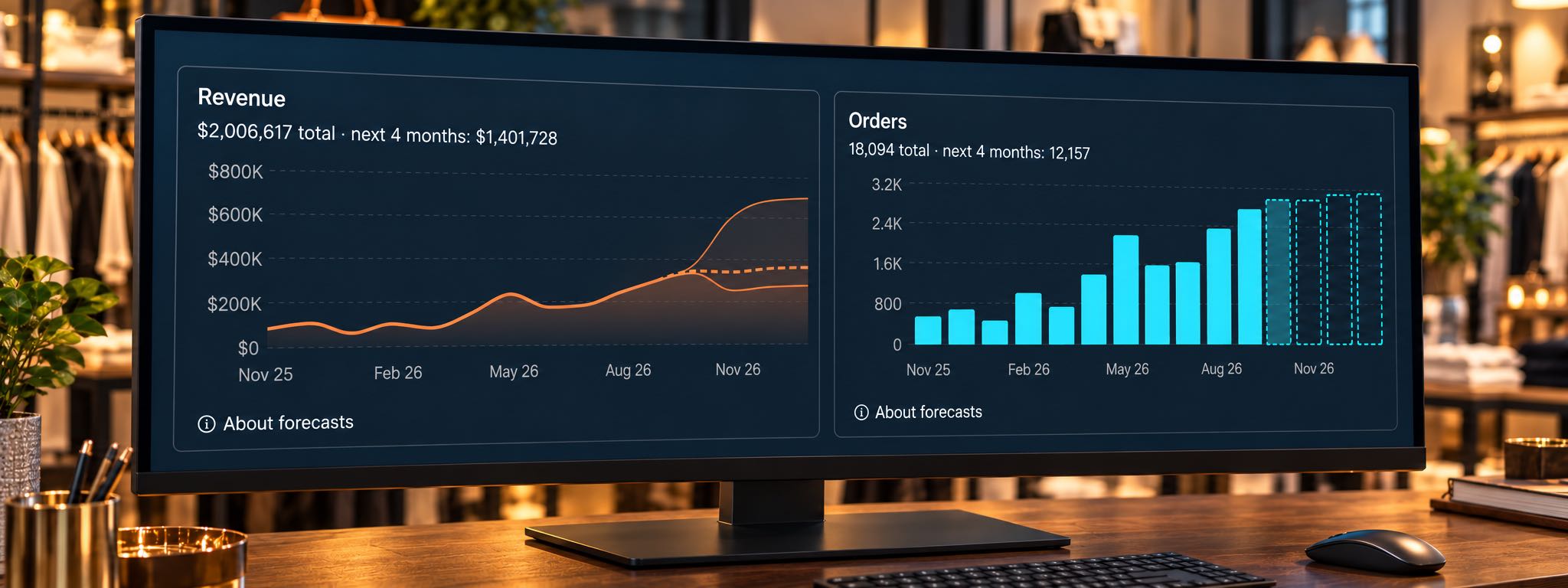
Practical answers to the buying questions retailers face across products, stores, and sales channels.
Retail demand forecasting estimates how many units customers are likely to buy, by product and location, over a defined period. Combining that estimate with available inventory, incoming deliveries, and supplier lead times helps you decide what to reorder, where to send it, and when to pause buying.
Those decisions get complicated when your best size sells out while other sizes sit untouched, a promotion changes the sales pattern, or the next shipment takes three months to arrive. Retailers constantly ask these questions to increase sales and improve profit margins, planning around long lead times, changing advertising, slow sellers, and returns.
Sqquid Retail Demand Forecasting combines business logic, statistical methods, and AI to analyze demand at the SKU and location level. The product helps retailers make more informed buying, replenishment, and allocation decisions as demand changes.
Here are ten practical questions to work through before your next purchase order. The numerical examples are illustrative.
1. What should a retail demand forecast help you decide?
A useful forecast supports a specific decision: how many units to buy, when they need to arrive, and which location needs them. Define the product, location, and planning period before calculating anything. “Navy T-shirt, medium, Downtown, next three weeks” gives a buyer something actionable.
Keep the demand forecast and the purchase quantity separate. You might expect to sell 40 units and already have 35 available, with another ten arriving in time. The sales opportunity may be healthy while the immediate buying requirement is zero.
The same review should identify where buying needs to pause. If a product has ample stock, weak recent demand, and no upcoming reason for sales to improve, investigate its placement, price, returns, and remaining season before adding another case. When cash is limited, review the cost and margin of proposed purchases before approving the total.
2. What information do you need to forecast demand?
Start with unit sales and the inventory conditions behind them. For a manageable group of products, gather:
- Sales by date, SKU or variant, and location, with returns and cancellations identifiable.
- Days the item was available to buy, plus current sellable stock and existing customer commitments.
- Open purchase orders and transfers, including quantities and expected arrival dates.
- Actual supplier lead times, order minimums, pack sizes, promotions, and relevant seasonal events.
Check what your inventory fields mean . In Shopify, for example, on hand includes available, committed, and unavailable units. If you start with an available quantity that already excludes reservations, subtracting those reservations again understates your supply.
Also check that an online order imported into your POS appears only once in the sales history. Track where demand originated separately from where the order shipped, so ship-from-store activity does not automatically become evidence of local walk-in demand. Treat returns separately from new purchases; a returned item becomes usable supply only when it is ready to resell.
3. How do you calculate when and how much to reorder?
For products you review on a regular schedule , plan enough inventory to cover the supplier lead time plus the time until your next review, then add safety stock. This covers demand until an order placed at the following review could arrive. Subtract usable stock and confirmed incoming supply to find the remaining buying requirement.
Suppose a replenishable product sells two units per day, deliveries take 14 days, and you review orders weekly:
| Planning input | Illustrative amount |
|---|---|
| Expected daily demand | 2 units |
| Supplier lead time | 14 days |
| Time between order reviews | 7 days |
| Safety stock | 10 units |
| Target stock including incoming supply | 2 × 21 days + 10 = 52 units |
| Sellable, uncommitted stock now | 32 units |
| Confirmed incoming stock | 10 units arriving in 7 days |
| Additional order needed | 52 − 32 − 10 = 10 units |
The new ten-unit order arrives in 14 days. At the assumed demand rate, current stock and the earlier delivery cover sales until then. This example assumes no other commitments and no safety stock already excluded from the starting quantity.
Check delivery dates as well as quantities. A shipment arriving after the shelf runs empty leaves a gap. Review overdue orders before adding replacements, or both deliveries may eventually arrive together. Count lead time through receiving, when stock becomes ready to sell.
If the calculation is zero or negative, it creates no additional purchase requirement. Review minimum orders, case packs, budget, and the remaining selling season before rounding up. The ten-unit buffer is an example; your buffer should reflect demand variability and delivery reliability , along with the availability you want to maintain.
4. How do you forecast products that keep selling out?
Account for the time customers could actually buy the product. Recorded sales can understate demand when an item is unavailable. A practical starting point is to divide units sold by the number of comparable days the item was in stock, an approach used in Lightspeed's forecasting calculations .
Imagine a product sold 15 units during a 30-day month but was available for only 15 days. Dividing by the full month gives 0.5 units per day. Dividing by stocked days gives one unit per day, suggesting roughly 30 units over a comparable month with continuous availability.
That estimate needs judgment. The missing days may have included quieter weekdays, a holiday rush, or a promotion. A handful of stocked days provides weak evidence, and partial-day stockouts can distort the calculation. Keep estimated missed demand separate from confirmed sales, and check the result against similar products and periods.
5. How should seasons, promotions, and advertising change the forecast?
Match the forecast to the period when the inventory will sell. For seasonal merchandise, the corresponding period last year provides a useful starting comparison. Adjust for changes in assortment, availability, pricing, and the timing of the event.
A gift set that sells quickly in December may need a much smaller January replenishment. Before repeating its recent sales rate, ask whether the new stock will arrive while customers still want it. Build the final reorder date into your seasonal plan.
Keep a promotion calendar alongside the forecast. Record planned discounts, launches, advertising changes, and the reason for any adjustment. If you expect more website visits, examine conversion and units per order as well; a traffic target alone does not establish product demand.
For an uncertain campaign, sketch conservative, expected, and stronger-demand scenarios. Ask what you would buy initially and how quickly you could replenish in each case. With a 90-day supplier lead time, that conversation belongs well before the campaign starts.
Sqquid's AI-powered forecasting engine analyzes emerging demand changes alongside overlapping seasonal patterns, using multiple years of history when available. This helps buyers recognize shifts in an individual product's momentum and adjust buying as its seasonal selling window opens or closes.
6. How do you forecast a new product or a new store?
Use comparable products or locations to build an initial estimate, and write down why the comparison fits. Forecasting by analogy is useful when the item itself has little or no history. Several relevant comparisons help reduce dependence on one unusually successful launch.
For a new jacket, consider similar price points, materials, launch seasons, and customer groups. For a new store, compare the assortment, selling space, and customer profile with existing locations. Adjust the opening plan where the comparison breaks down.
Where supplier terms allow, begin with a limited commitment and reserve the ability to reorder. If you must make one large seasonal purchase, make the assumptions and downside explicit. Review early sales alongside stock availability, launch promotions, and returns before deciding that the opening pattern will continue.
7. Should you forecast every size and color separately?
Make the buying decision at the level customers purchase. A style can have plenty of total inventory while its most wanted sizes are unavailable. Review the size and color mix before replenishing the whole style.
Suppose a store has 30 shirts left, mostly extra-small and extra-large. A total-stock report may suggest comfortable coverage even though medium and large need attention. Reordering the original size pack could deepen the imbalance.
For variants with little sales history, use the broader product or category as a starting point, then allocate provisionally using comparable size and color patterns. Refine that mix as evidence builds. Check availability before interpreting low sales: a size that sold out early may look less popular than one that remained on the rack all month.
Sqquid forecasts at the individual SKU level, examining each item's sales patterns across the catalog. This helps retailers distinguish the specific sizes and colors that need attention, even when the overall product line appears to have enough inventory.
8. Should you transfer inventory before buying more?
Check whether another location can cover the shortage while retaining enough for its own customers. Compare the same SKU across stores using a consistent planning period and include the time and cost of moving it.
Here is one product across three stores, with no incoming deliveries. Each target includes expected demand for the next 14 days plus a four-unit buffer:
| Store | Available now | 14-day demand | Target with buffer |
|---|---|---|---|
| Downtown | 8 | 28 | 32 |
| Uptown | 44 | 14 | 18 |
| Westside | 18 | 14 | 18 |
Downtown needs 24 units to reach its target. Uptown has 26 above its target. Moving 24 units from Uptown leaves it with 20 and brings Downtown to 32, before subsequent sales. Westside needs no change.
At two units per day, Downtown's eight units cover about four days, so a next-day transfer is timely. Check handling costs, local commitments, and the source store's upcoming events before approving it. In this illustration, the transfer avoids a new purchase by using inventory the business already owns.
Sqquid also analyzes how demand for each SKU differs by location. Those local patterns help inform where inventory should go, so buying and allocation decisions reflect the customers each store serves.
9. How can you tell whether a forecast is worth trusting?
Ask for an explanation of the recommendation: the sales history used, stockout treatment, seasonality assumptions, lead time, existing purchase orders, and buffer. You should be able to trace how those inputs produced the proposed quantity.
Then test the method on earlier periods using only information available at the time. Repeat this across several starting dates and compare it with a simple baseline, such as the corresponding period last year. Test the horizon that matters to your buying decision: a good next-week forecast does not establish performance three months ahead.
Review results by product and location. Business-wide totals can hide too much stock in one store and too little in another. Track whether the method repeatedly overestimates or underestimates, alongside stockouts, aging inventory, markdowns, and rush orders. Flag stockout periods when comparing forecasts with actual sales, because recorded sales still do not reveal all unmet demand.
10. Can you start with a spreadsheet and keep your existing systems?
Yes. A spreadsheet can help you establish a repeatable process for a limited assortment. Start with one category, supplier, or group of important products. Give each SKU and location its own row, with sales rate, available inventory, confirmed inbound quantities and dates, lead time, review interval, buffer, and proposed action.
Record when the data was refreshed and who owns the next step. Save the forecast before replacing it with next week's version, so you can compare the original expectation with what happened.
Consider connected planning tools when maintaining exports, reconciling channels, and updating purchase orders consumes the time you need for decisions. Check whether your existing POS and ecommerce systems can provide consistent SKU, location, inventory, and order data. That assessment helps define the integration work required.
What should you review before your next purchase order?
Choose a small group of products and answer five questions:
- What will customers likely buy before an order placed at our next review can arrive?
- Did stockouts or promotions distort the sales history?
- What usable inventory is already here or arriving in time?
- Can another location cover the shortage?
- Should we buy, transfer, hold, or investigate before spending?
Give each action an owner and a review date. At the next review, examine what changed and whether the original decision held up.
Need help turning your inventory data into a buying plan?
Sqquid Retail Demand Forecasting brings AI into the buying decisions explored in this guide. Its engine analyzes individual SKUs, changing trends, seasonal patterns, and local demand to help retailers plan what to replenish and where inventory is needed.
Sqquid Professional Services can also help connect forecasting, allocation, and replenishment decisions to your systems and operating workflows.
Start with a Free Retail Operations Review. In a 30-minute conversation, we will discuss your stores, systems, and operational challenges. Afterward, you receive a map of your current setup and three practical recommendations. Bring an example of a product you keep running out of, or one you wish you had stopped buying sooner.